The thumbnail node generates a contact-sheet preview (a tiled grid of frames) for a video, giving the UI a fast visual summary of the content.
Kind |
|
Applies to |
Video only |
Input ports |
|
Output ports |
|
Requirements |
OpenCV / video4j native runtime (frame extraction). CPU-bound. Storage: the generated image is written to the worker’s local thumbnail cache (a durable |
Persists to |
|
Configuration
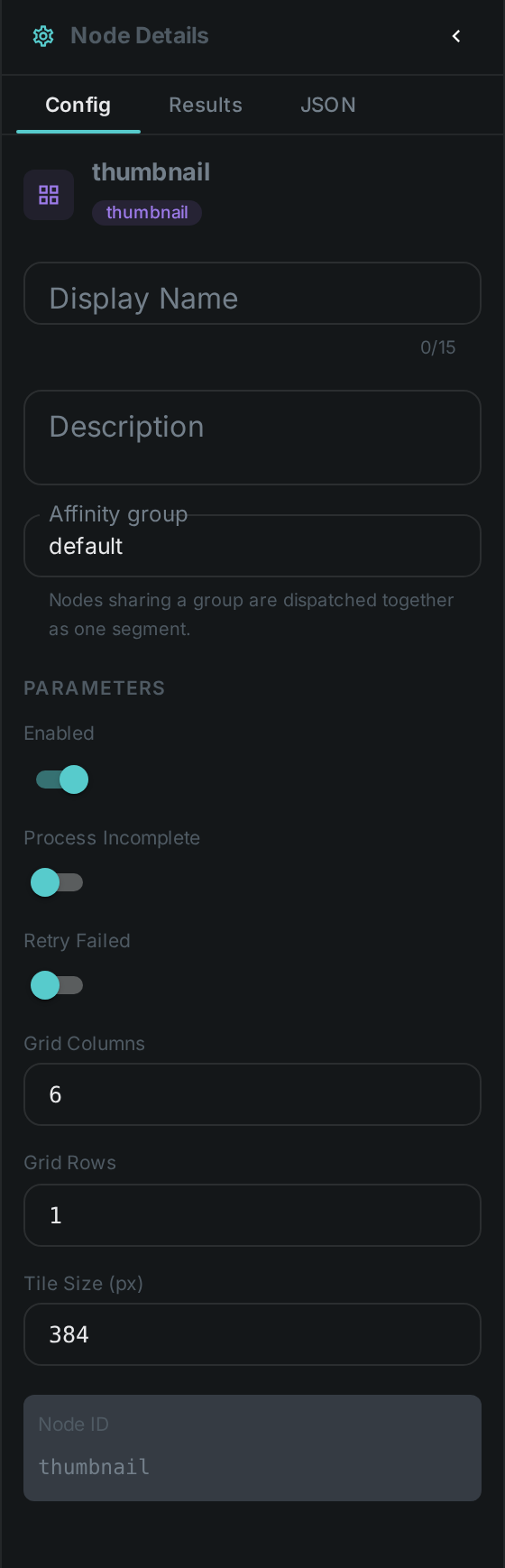
These settings control the contact-sheet layout. Set them in the panel above, or in the
node’s options block in a pipeline definition:
| Option | Meaning |
|---|---|
|
Pixel size of each frame tile |
|
Number of columns in the grid |
|
Number of rows in the grid |
Seeing it run
Turn on Debug Mode and every node keeps what it produced, on the
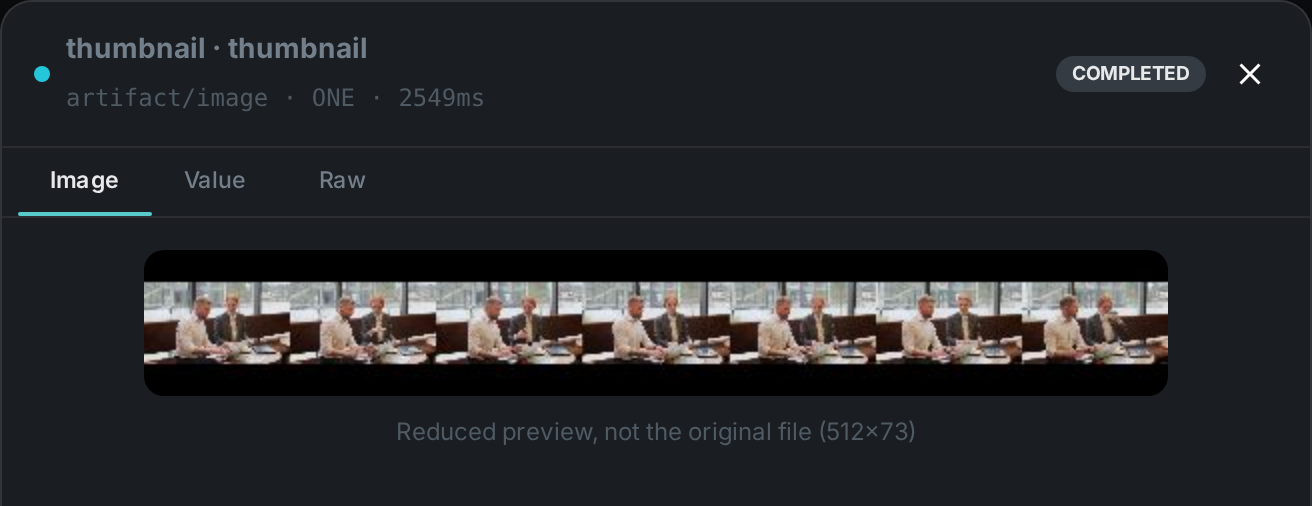
card itself. Below is a real run of this node over pexels-jack-sparrow-5977265.mp4.
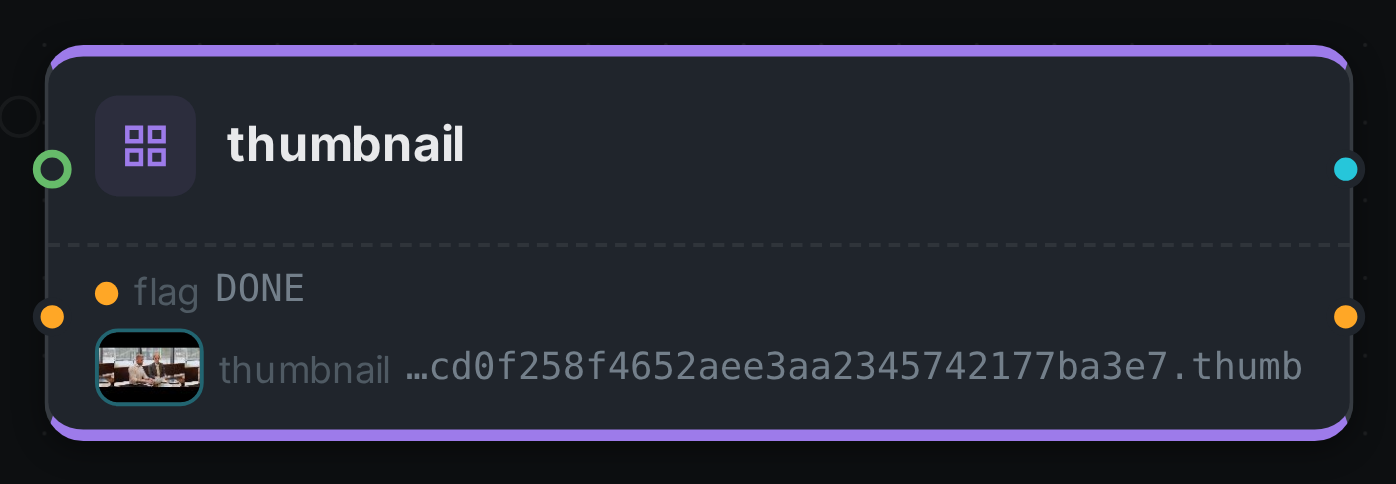
The strip on the card lists what each output port carried — flag, thumbnail.
Selecting one of them opens it full size.
Use Cases
-
Fast browsing — show a visual overview of a video without opening it.
-
Preview generation — produce a poster/scrubbing sheet for the asset detail view.