The quality node measures perceptual quality metrics of an image or video — resolution, blurriness (via a Laplacian measure) and bitrate — so low-quality assets can be flagged or filtered.
Kind |
|
Applies to |
Image, Video |
Input ports |
|
Output ports |
|
Requirements |
OpenCV / video4j native runtime. CPU-bound. No GPU required. |
Persists to |
|
Configuration
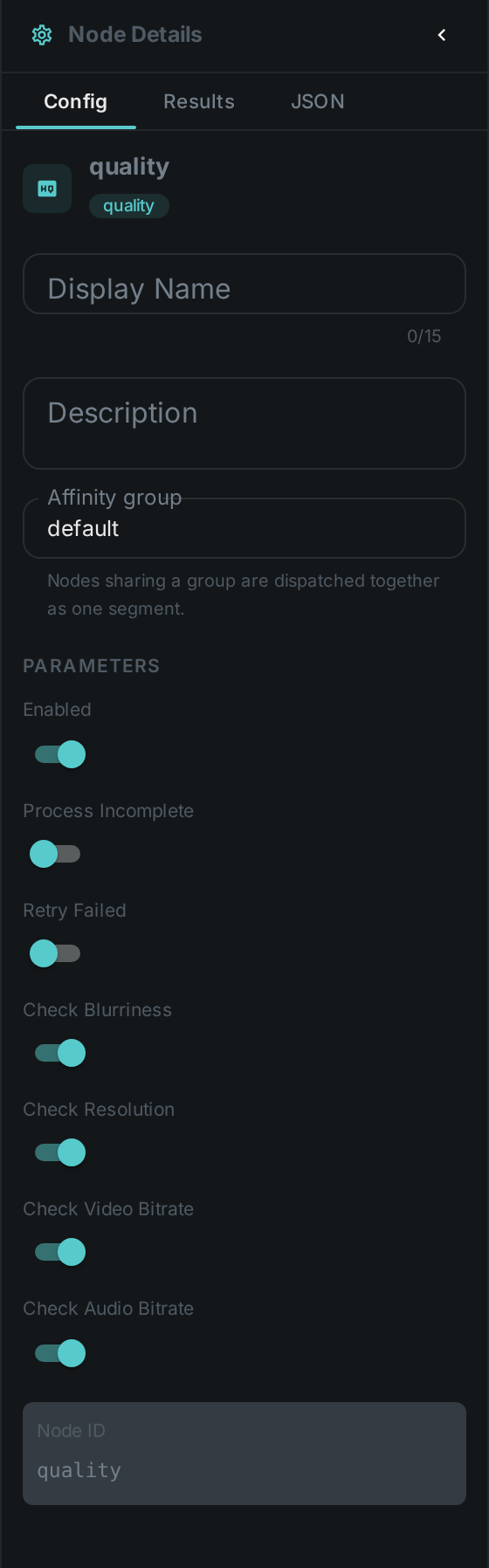
Set these in the panel above, or in the node’s options block in a pipeline
definition. Each one toggles an individual check:
| Option | Meaning |
|---|---|
|
Compute a blurriness score (Laplacian variance) |
|
Record image/video dimensions |
|
Measure the video bitrate |
|
Measure the audio bitrate |
Seeing it run
Turn on Debug Mode and every node keeps what it produced, on the
card itself. Below is a real run of this node over pexels-jack-sparrow-5977265.mp4.
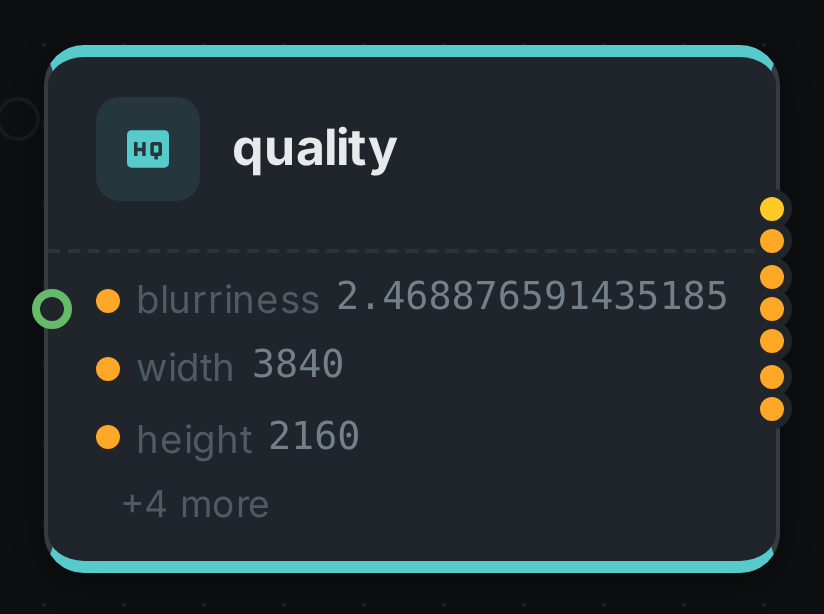
The strip on the card lists what each output port carried — blurriness, width, height, and 4 more.
Use Cases
-
Quality gating — pair with the quality filter to route low-quality assets differently or skip them.
-
Blurry-image detection — flag out-of-focus photos.
-
Library stats — resolution/bitrate reporting across an asset pool.