The scene detection node finds scene boundaries (cuts) in a video using optical-flow analysis, and emits the resulting segments. Each run replaces the whole segment set for the asset.
Kind |
|
Applies to |
Video only |
Input ports |
|
Output ports |
|
Requirements |
OpenCV / video4j native runtime (optical-flow analysis). CPU-bound; decoding long videos is heavy. |
Persists to |
|
The detector is OpticalFlowSceneDetector. Because segments are a whole-set replace, a shorter re-run
deletes the surplus rows.
Configuration
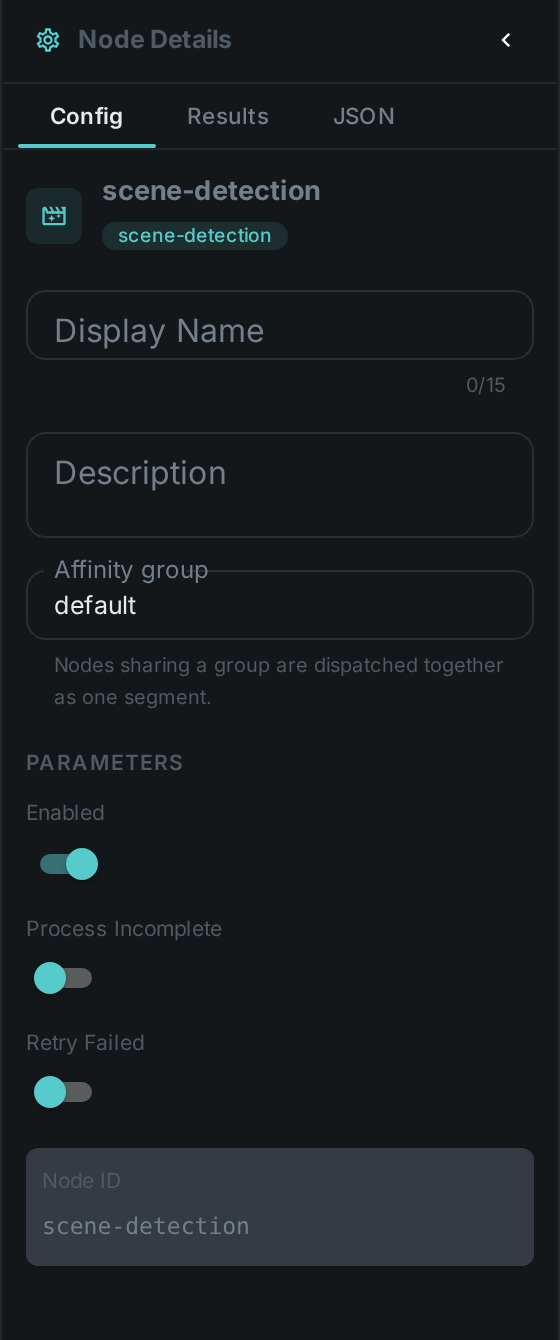
No custom options beyond the common node flags.
Seeing it run
Turn on Debug Mode and every node keeps what it produced, on the
card itself. Below is a real run of this node over pexels-jack-sparrow-5977265.mp4.
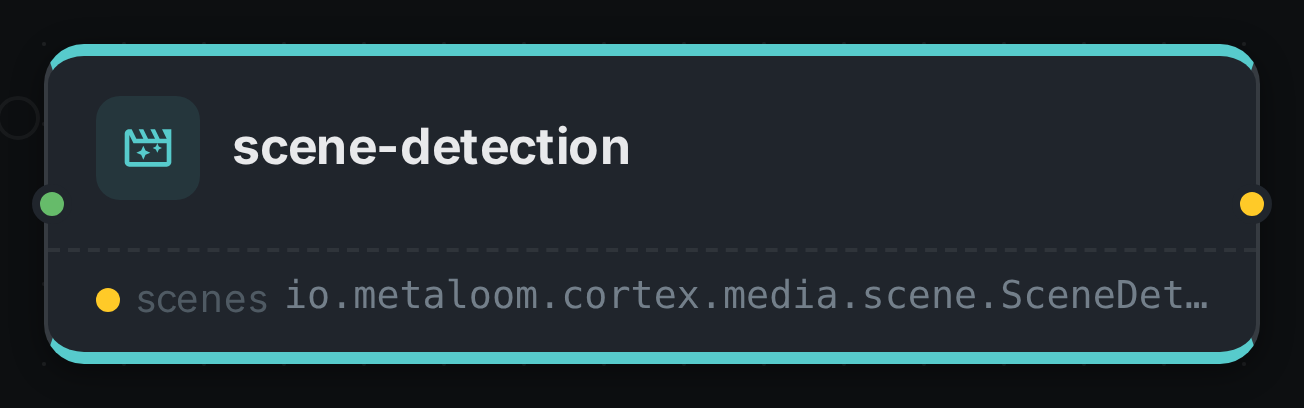
The strip on the card lists what each output port carried — scenes.
Use Cases
-
Chaptering — split a video into navigable scenes.
-
Keyframe / per-scene thumbnails — generate a preview per scene.
-
Targeted analysis — run heavier nodes (faces, captioning) once per scene instead of per frame.