The OCR node extracts text from images and document scans using Tesseract (via Tess4J). The recognized text is stored so it can be indexed and searched.
Kind |
|
Applies to |
Image |
Input ports |
|
Output ports |
|
Requirements |
Tesseract / Tess4J plus its |
Persists to |
|
Configuration
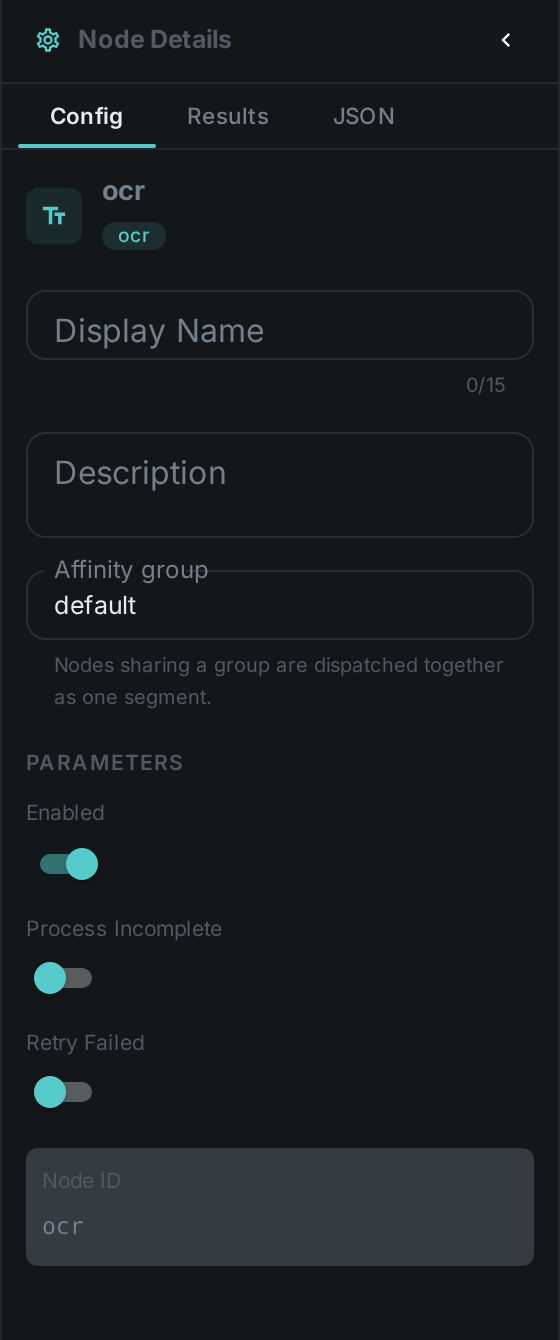
Set these in the panel above, or in the node’s options block in a pipeline definition:
| Option | Meaning |
|---|---|
|
Path to the Tesseract |
|
Recognition language(s), e.g. |
Seeing it run
Turn on Debug Mode and every node keeps what it produced, on the
card itself. Below is a real run of this node over albert_einstein.png.
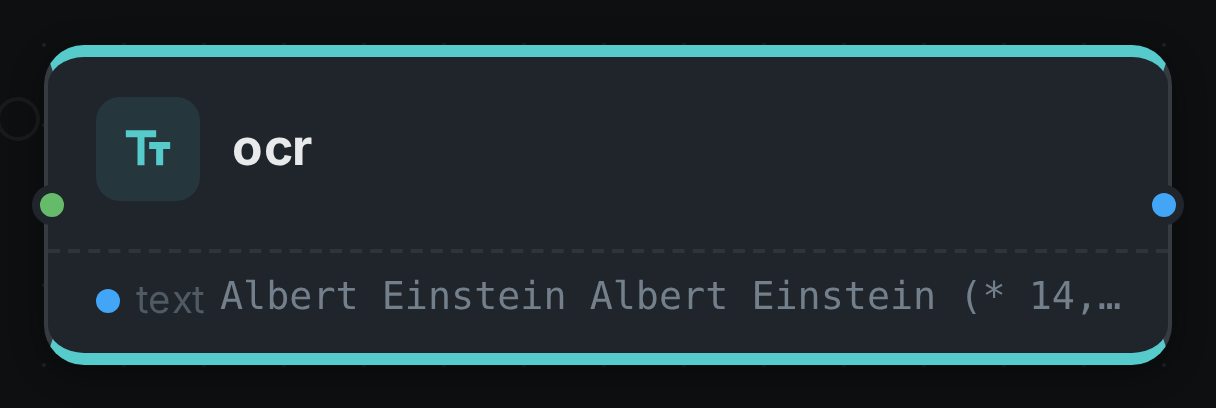
The strip on the card lists what each output port carried — text.
Use Cases
-
Searchable scans — index text from screenshots, receipts and scanned documents.
-
Document workflows — surface embedded text for classification or routing.
-
Compliance — find images that contain particular text.