The fingerprint node computes a perceptual, multi-sector video fingerprint. Unlike a content hash, the fingerprint is robust to transcoding, resolution changes and minor edits, so it can identify the same footage even when the file bytes differ.
Kind |
|
Applies to |
Video only |
Input ports |
|
Output ports |
|
Requirements |
OpenCV / video4j native runtime (video decoding). CPU-bound; no GPU required. Decoding video is I/O- and CPU-heavy for long files. |
Persists to |
|
The perceptual fingerprint is produced by the multi-sector algorithm from the video4j-fingerprint
library. The node keeps its own in-heap cache to skip recomputation within a worker’s lifetime.
Configuration
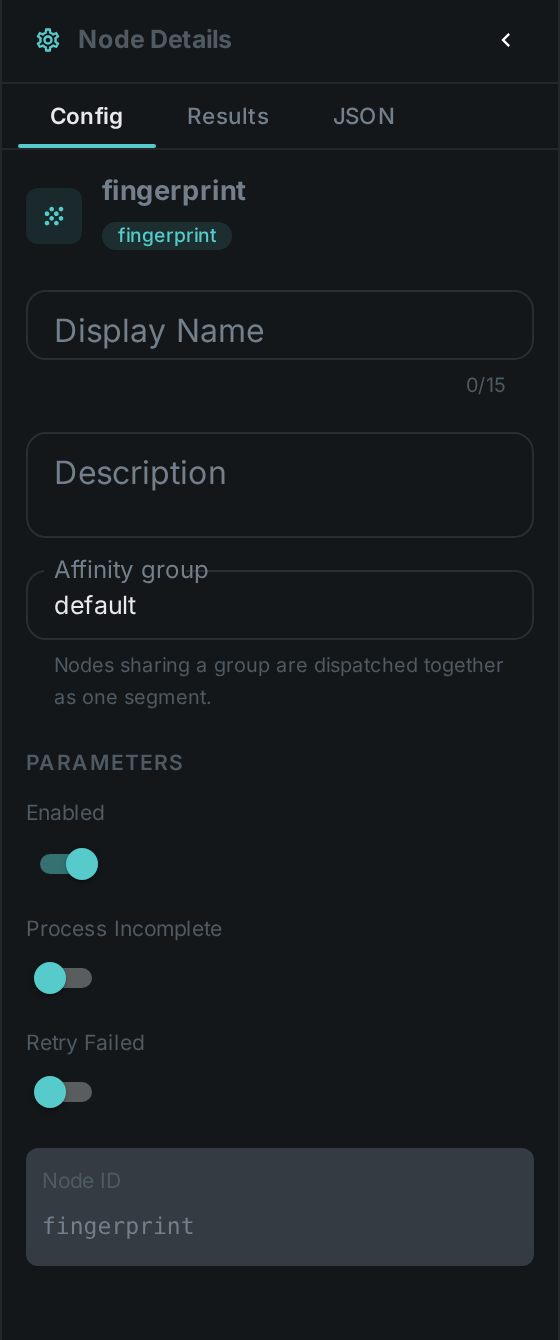
No custom options beyond the common node flags (enabled, …). The node requires a worker with the
video4j / OpenCV native libraries available.
Seeing it run
Turn on Debug Mode and every node keeps what it produced, on the
card itself. Below is a real run of this node over pexels-jack-sparrow-5977265.mp4.

The strip on the card lists what each output port carried — fingerprint.
Use Cases
-
Near-duplicate video detection — find re-encodes and trims of the same source (see Deduplication).
-
Similarity search — nearest-neighbour lookup over fingerprints to find related clips. Once near-duplicate lookup is enabled on the server, each video can list the others that look like it.
-
Blacklisting — match video content against a fingerprint blacklist even after re-encoding.