The filesystem source is a source node — the entry point of a pipeline. Instead of processing a media item, it enumerates media from disk (a directory tree walked recursively, or a set of path globs) and feeds each file into the graph.
Kind |
|
Applies to |
— (source node; produces the media stream) |
Input ports |
None — it is the root of the DAG |
Output ports |
|
Requirements |
CPU only, but the worker must be able to read the media path — the shared media mount has to be visible to the process. |
Persists to |
n/a (source) |
A pipeline has exactly one source node. When Loom dispatches a source task, this node runs on the
chosen worker and streams discovered items back; path discovery lives in FilesystemMediaScanner.
Configuration
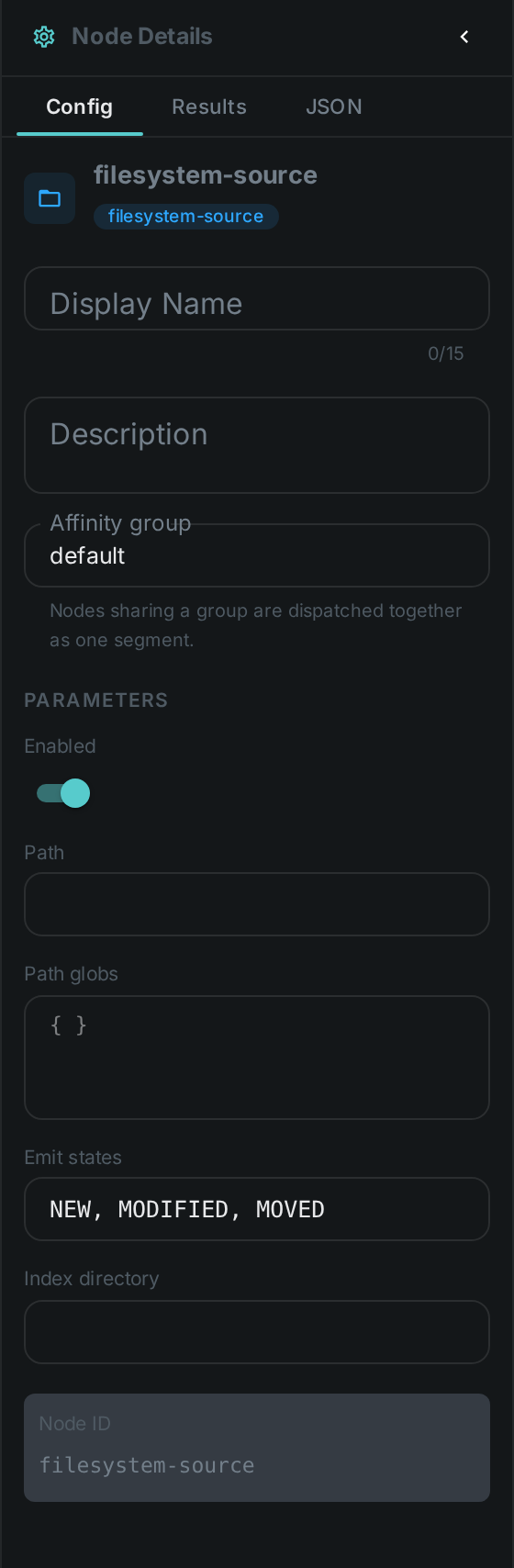
Set these in the panel above, or in the node’s options block in a pipeline definition:
| Option | Meaning |
|---|---|
|
Root directory to walk recursively |
|
A set of path globs (take precedence over |
Values from the pipeline definition win; the option defaults are used when the definition supplies no selection.
Seeing it run
Turn on Debug Mode and every node keeps what it produced, on the
card itself. Below is a real run of this node over pexels-jack-sparrow-5977265.mp4.
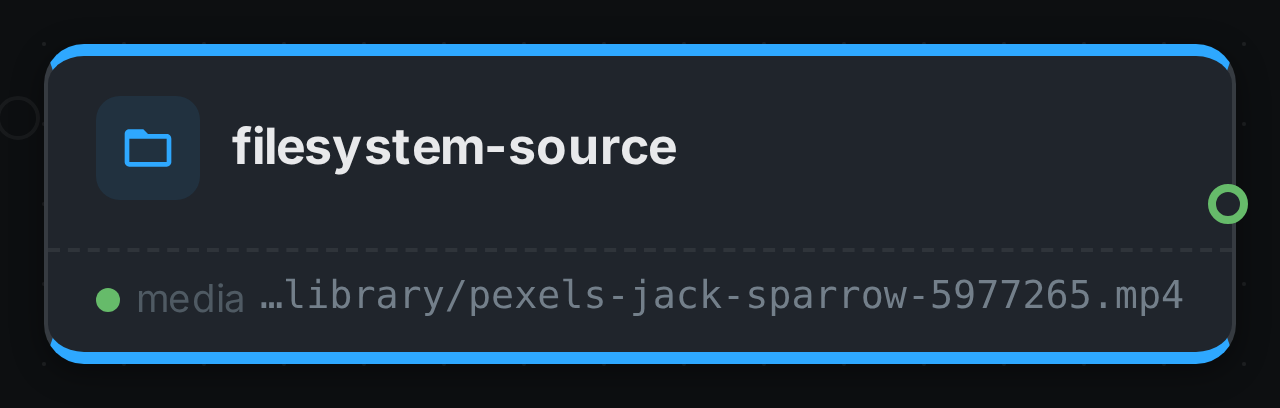
The strip on the card lists what each output port carried — media.
Use Cases
-
Folder / NAS ingest — scan a storage location for new media to process.
-
Targeted runs — process only files matching specific globs.