The LLM node sends asset metadata to a Large Language Model and stores the model’s response as enrichment — for example a classification, a set of suggested tags, or a description. Multiple prompts can be configured, and each prompt adds its own output port, so downstream nodes connect to the one answer they care about rather than to the node as a whole.
Kind |
|
Applies to |
Any (operates on the asset’s filename / metadata) |
Input ports |
|
Output ports |
|
Requirements |
An LLM provider service reachable from the worker. The node supports an OpenAI-compatible (vLLM) endpoint; CPU on the worker, the model runs in the service. |
Persists to |
|
Configuration
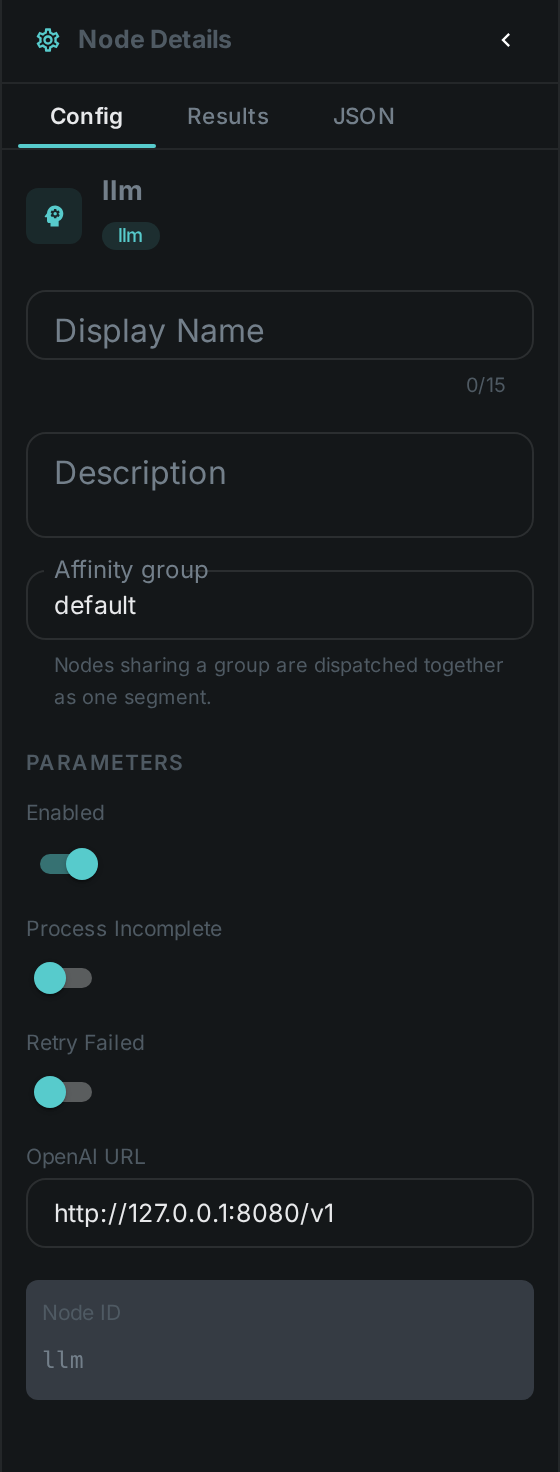
Set these in the panel above, or in the node’s options block in a pipeline definition:
| Option | Meaning |
|---|---|
|
Base URL of the OpenAI-compatible LLM server (llama.cpp, vLLM, Ollama |
|
A map of prompt definitions. Each one adds a |
Seeing it run
Turn on Debug Mode and every node keeps what it produced, on the
card itself. Below is a real run of this node over pexels-jack-sparrow-5977265.mp4.
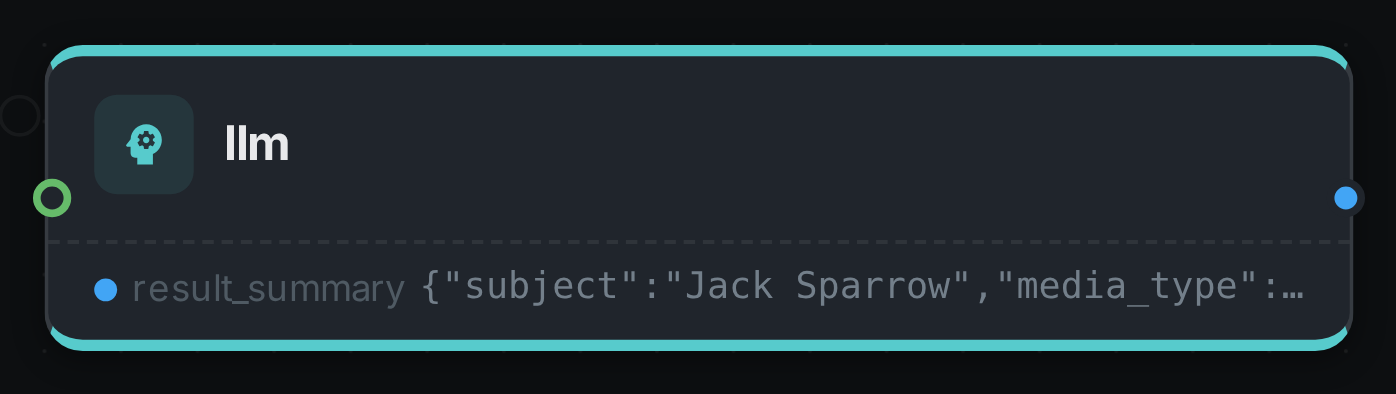
The strip on the card lists what each output port carried — result_summary.
Use Cases
-
Auto-classification — categorise assets from their metadata or transcript.
-
Tag suggestions — propose tags for review.
-
Description generation — draft human-readable summaries stored alongside the asset.