The face description node produces a natural-language description of the faces detected in an
asset, using a vision-language model. Its detections port carries a sequence — one element per
detected face — and the node describes each element in turn, so a picture with three faces comes back
with three descriptions in the same order. A sequence with no elements means there is nothing to
describe and no model call is made.
Kind |
|
Applies to |
Image (video is stubbed / not yet implemented) |
Input ports |
|
Output ports |
|
Requirements |
A vision-language / LLM model service reachable from the worker. CPU on the worker; the model runs in the service. |
Persists to |
|
Configuration
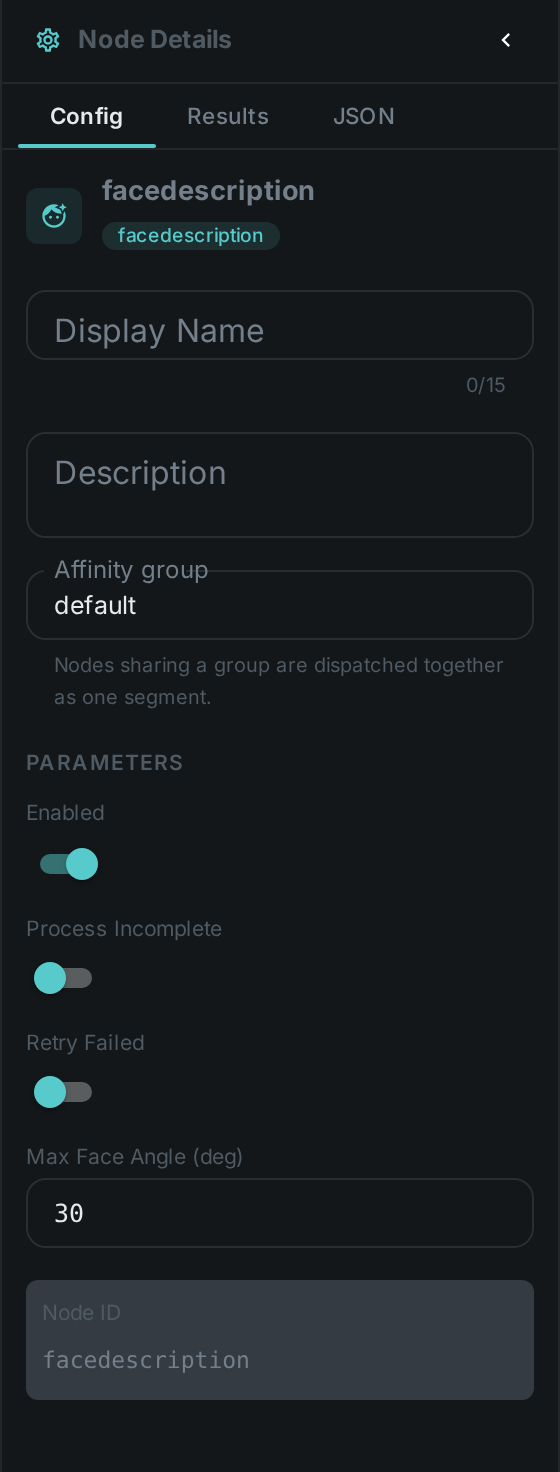
Uses the model-service connection shared with the LLM/captioning family. There is nothing to
configure about where the faces come from — connect the detections port and the node follows it.
Seeing it run
Turn on Debug Mode and every node keeps what it produced, on the card itself. Below is a real run over a frame with two people in it, fed the boxes Facedetect found in that same frame.
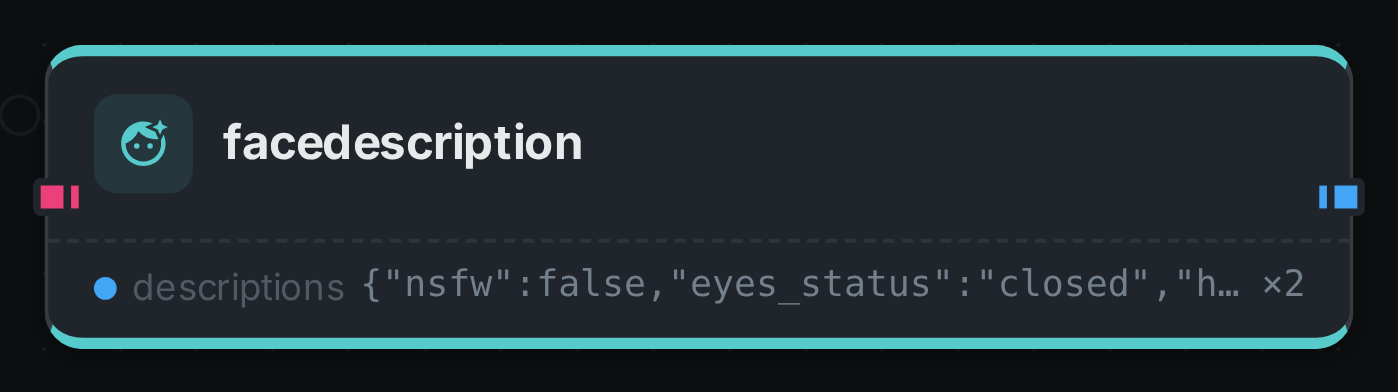
Two boxes in, two descriptions out, aligned by element index — that alignment is why a face that cannot be described still emits an empty document rather than being skipped. Each description is the JSON the prompt asks for: eye state, mouth state, an age estimate, whether the face is frontal or in profile.
Use Cases
-
Searchable people descriptions — "man with glasses, outdoors" style text for retrieval.
-
Accessibility / alt text for images containing people.
-
Review context — a quick textual summary of who/what is in a flagged image.