The web console is bundled into the Lumen server itself — one process, no separate deployment. It is deliberately transparent: every panel shows not just a result but the machinery behind it — the vector space that was searched, the admission threshold, where each candidate fell relative to it — so an operator can tell a correct "no match" from a broken one.
The console binds to the local machine only and carries no authentication; the container image explains how exposure is handled when it serves beyond localhost.
Text → place
Type a description of a place; every scene in the corpus is ranked against it in a joint image-text embedding space. The dashed suggestion chips are places deliberately not in the corpus — they must come back refused, and the plot shows the admission threshold every candidate was measured against.
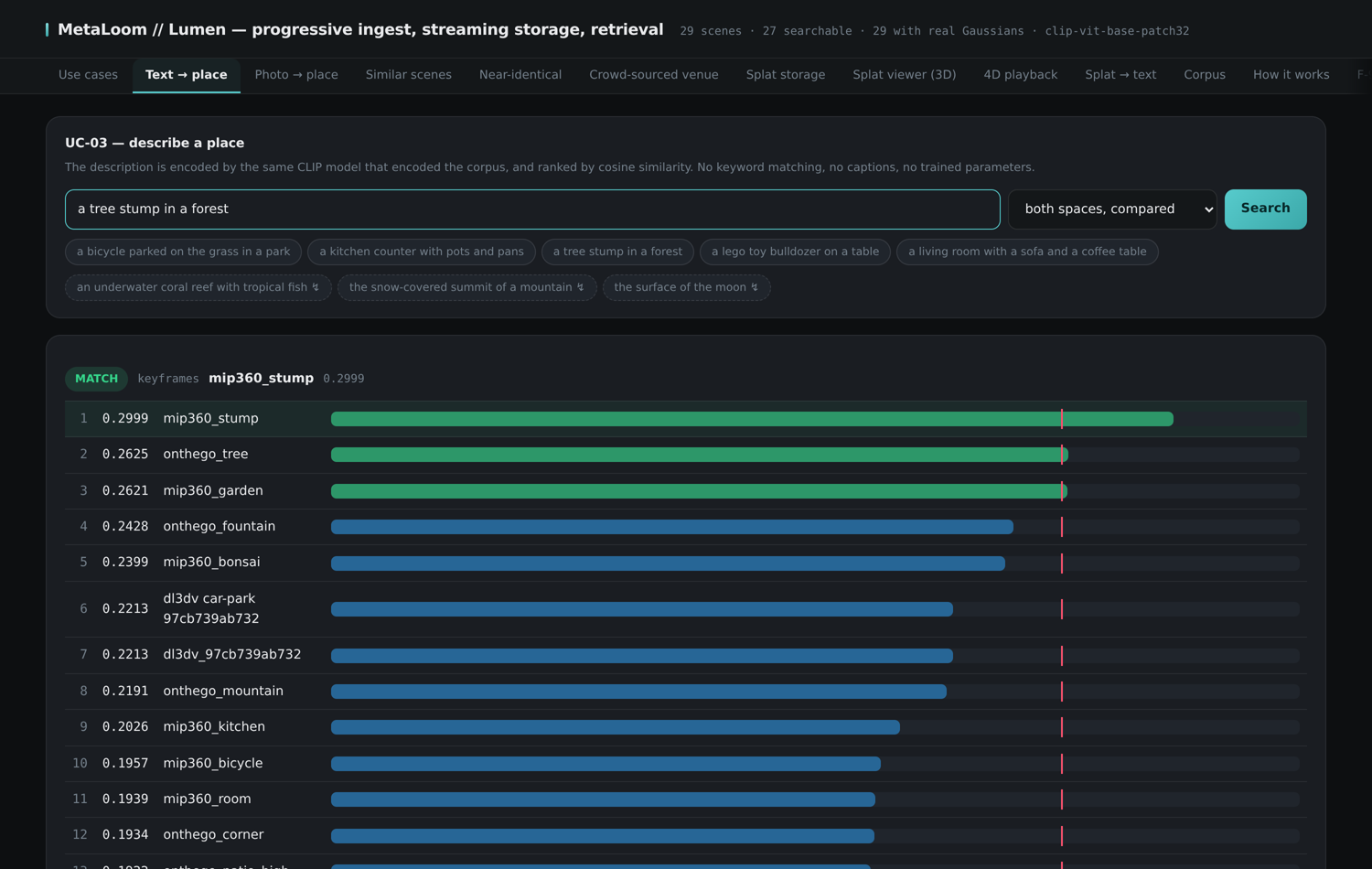
Photo → place
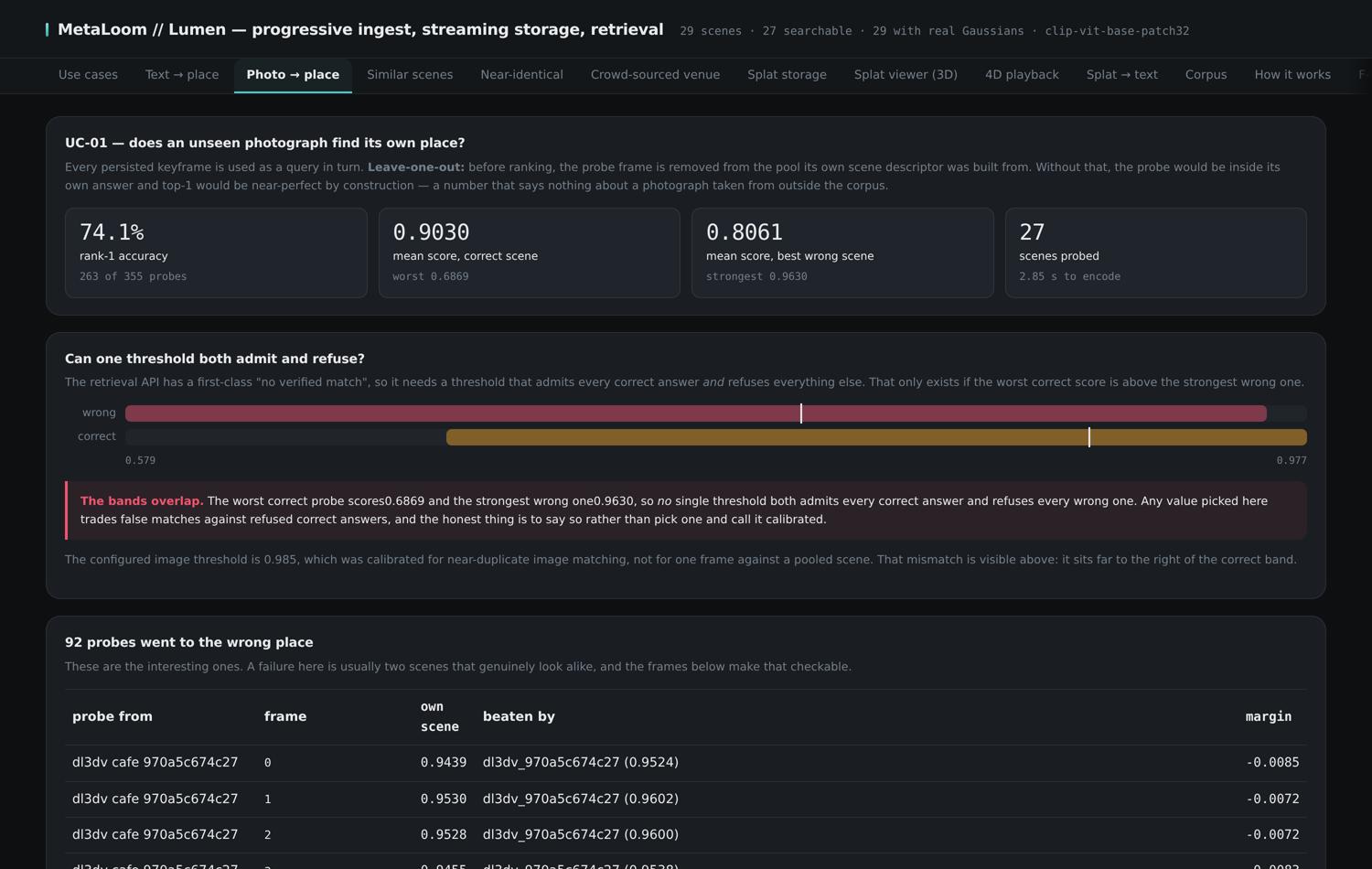
The same search driven by an image instead of a sentence. The panel runs a leave-one-out evaluation over every stored keyframe: each frame is removed from its own scene’s descriptor before being ranked against the whole corpus, so the headline number cannot be inflated by self-matching.
Similar scenes
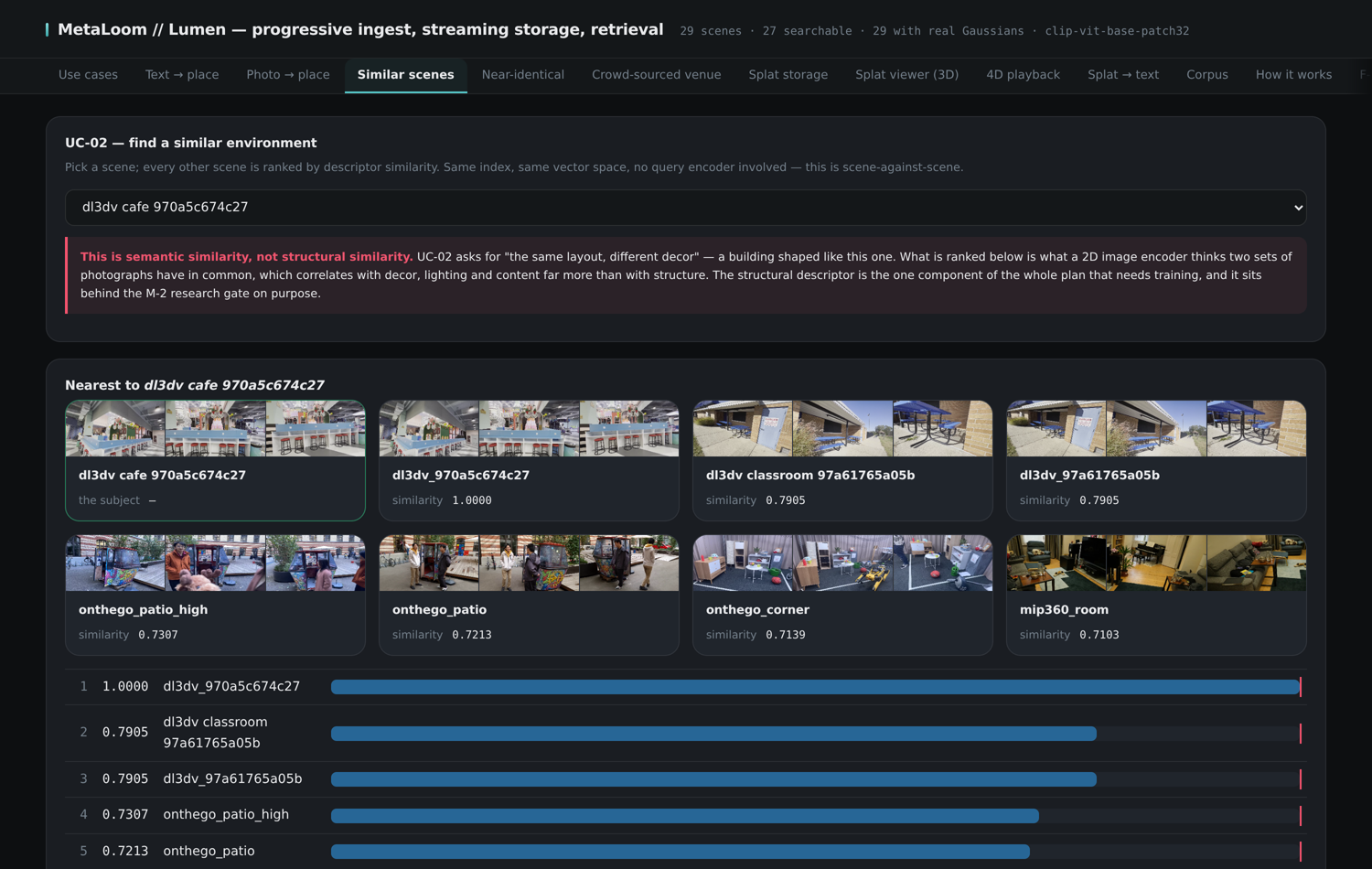
Ranks every other scene by descriptor similarity to a chosen one — and states plainly that this is semantic similarity ("looks like the same kind of place"), which is not the structural identity that venue verification establishes.
Crowd-sourced venue
The only panel that takes input from outside the corpus. Drop a video in; it is decoded and analysed but not stored, then ranked twice — semantically by embedding similarity and structurally by two-view geometric verification, with the verified image pair and every signal shown per candidate. Only a geometrically verified capture may merge into a venue, at which point the venue’s primitive counts split by session of origin.

Splat storage
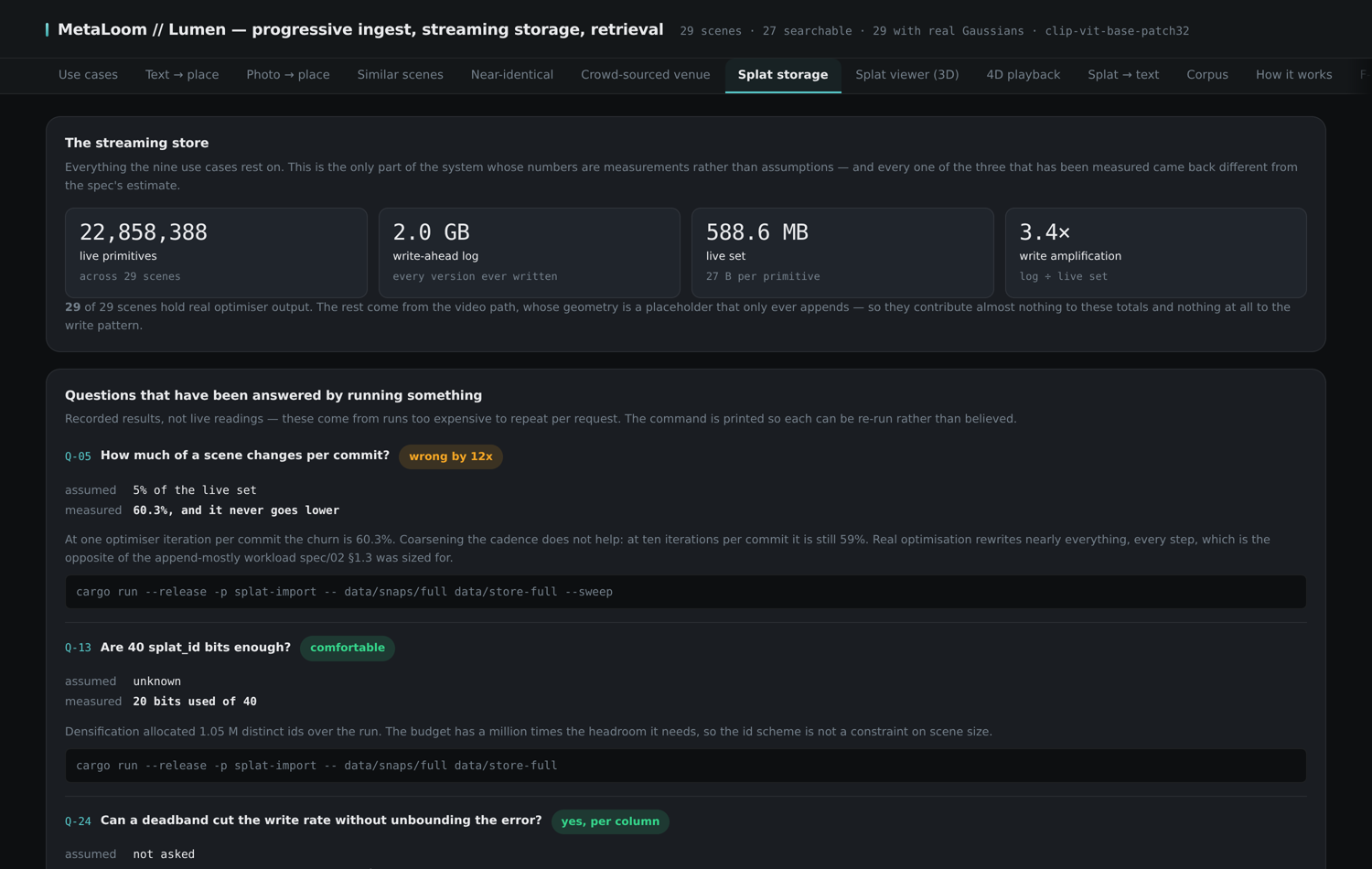
The store’s own dashboard: live primitive counts, log and live-set sizes, write amplification, tier watermarks, and a compaction dry run. The lower half records the storage questions that have been answered by running something — each with what was assumed, what was measured, and the exact command that reproduces the measurement.
Splat viewer (3D)
Real Gaussians read back out of the store — by tier, at any historical sequence, or from any pyramid level — and rendered as actual splats in WebGL, orbited interactively. The sliders expose the primitive budget, the size cutoff and the tail cull, so what the store holds and what the renderer draws can be told apart.

Splat → text
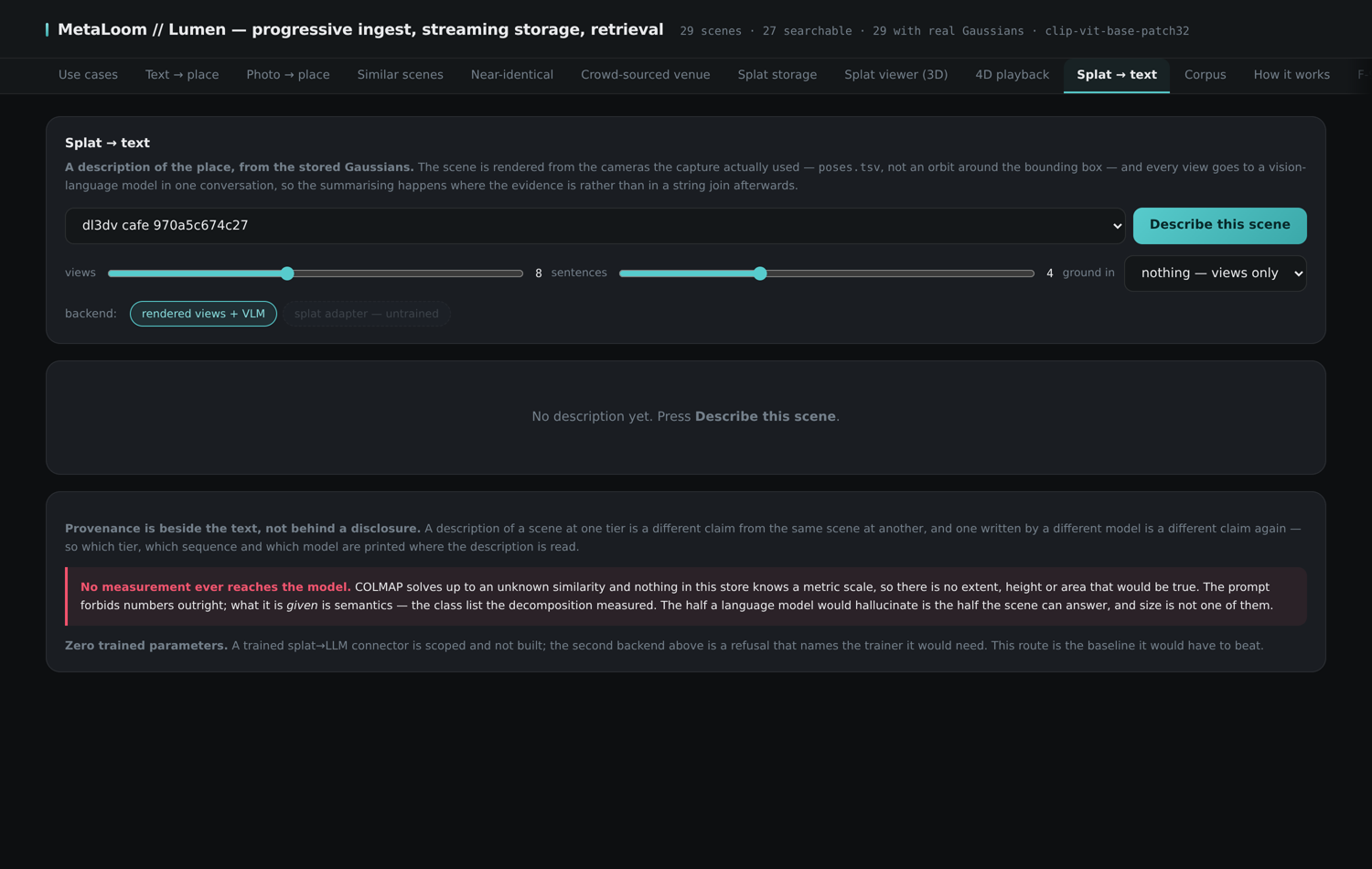
A stored scene rendered from the viewpoints its capture actually used and handed to a vision-language model for description. A scene too thin to describe honestly is refused, with the number that refused it.
Corpus
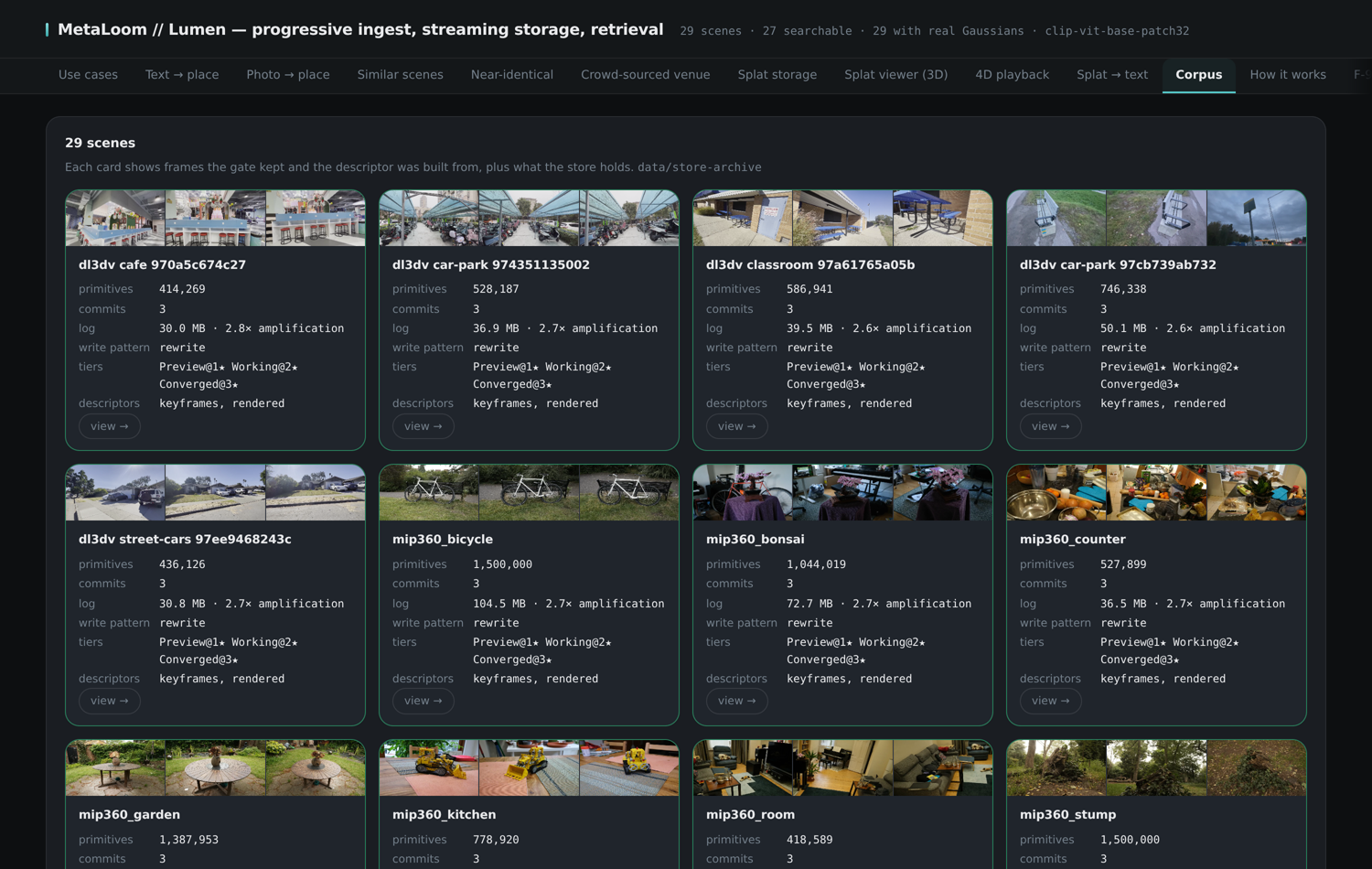
Every ingested scene: its frames, primitive count, log size, tier watermarks, and which descriptor sources exist for it. This is where a corpus is audited at a glance.
Ingest
Run a clip through the whole pipeline with live progress. Reconstruction is minutes of exclusive GPU work, so submissions enter a queue behind a single worker and their stage-by-stage progress — gate, poses, optimisation, commit — streams into the panel.